Creating a professional video used to require a camera, editing software, graphic design skills, and a significant amount of time. Today, artificial intelligence is changing that process by allowing users to transform simple ideas, written descriptions, images, and scripts into engaging videos.
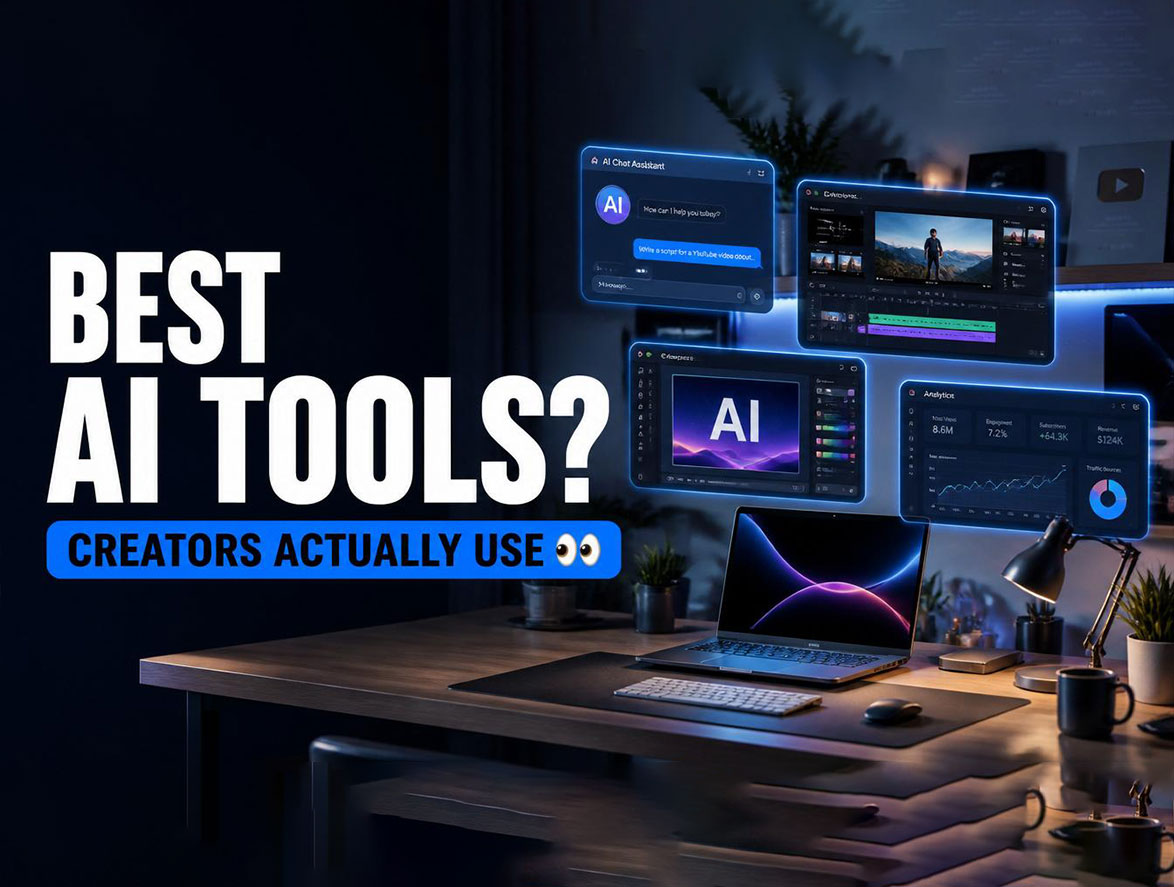
AI video generators can help create promotional content, educational videos, social media clips, product presentations, explainers, and creative projects without requiring advanced video-editing experience.
The technology is particularly useful for content creators, marketers, small businesses, educators, and anyone who wants to produce videos quickly.
Instead of starting with a blank timeline, users can describe what they want and allow an AI tool to generate an initial video that can then be edited and customized.
Here are some of the best types of AI tools and platforms to consider when turning ideas into videos.
1. Runway for Creative AI Video Generation
Runway is one of the well-known platforms in the growing AI video-generation space.
It provides tools that can transform text and images into video content while giving creators options for experimenting with different visual styles and scenes.
A creator can start with an idea, describe the desired scene, and use AI to generate visual material that can become part of a larger project.
Runway can be particularly useful for:
- Creative storytelling.
- Short cinematic scenes.
- Concept videos.
- Social media content.
- Visual experiments.
- Marketing projects.
One of its biggest advantages is that it combines AI generation with tools designed for creative workflows.
However, AI-generated footage may not always match the original idea perfectly, so creators should expect to refine prompts and edit the results.
2. Canva for Simple AI Video Creation
Canva is widely known for its graphic design tools, but it also includes AI-powered features that can help users create visual content.
This makes it a practical option for beginners who want to combine AI-generated ideas with familiar design tools.
Users can work with templates, images, text, animations, and other visual elements while using AI features to speed up parts of the creative process.
Canva can be useful for:
- Social media videos.
- Presentations.
- Promotional clips.
- Educational content.
- Short advertisements.
- Brand videos.
The platform is especially attractive to users who do not want to learn complicated video-editing software.
3. Adobe Firefly and AI-Powered Creative Workflows
Adobe has incorporated generative AI into its creative ecosystem through Adobe Firefly and other AI-powered features.
These tools can help creators generate and modify visual content using text-based instructions.
For professionals already working with Adobe applications, AI features can become part of a broader editing workflow.
For example, AI can help generate visual elements, experiment with concepts, or modify existing content before the final video is assembled and edited.
This approach is particularly useful for designers and content creators who want AI assistance without completely changing their existing creative workflow.
4. Synthesia for AI-Powered Presenter Videos
Not every video needs cinematic scenes.
Businesses and educators often need videos featuring a presenter who explains information clearly.
Synthesia focuses on AI-generated presenter videos and can be useful for training materials, business communication, educational content, and internal presentations.
Instead of recording yourself on camera, you can prepare a script and use an AI avatar to present the information.
This can be useful when a company needs to create multiple instructional videos without organizing a traditional filming session for each one.
Potential applications include:
- Employee training.
- Educational lessons.
- Product demonstrations.
- Internal communications.
- Customer onboarding.
- Corporate presentations.
As with any AI-generated presenter, companies should consider whether an artificial avatar fits their brand and audience.
5. InVideo AI for Turning Scripts Into Videos
InVideo AI focuses on simplifying the process of turning written ideas into complete video projects.
Users can provide a topic or script and allow the platform to create an initial video structure.
Depending on the project, AI can assist with elements such as scenes, visuals, text, voiceovers, and editing.
This makes it appealing to people who want to produce videos for social platforms without spending hours editing every element manually.
It can be particularly useful for:
- YouTube videos.
- Social media content.
- Educational videos.
- Marketing material.
- Explainer videos.
The generated result should still be reviewed carefully to make sure the visuals, narration, and information match the original idea.
6. Pika for Short Creative Videos
Pika is another platform associated with AI-powered video generation.
It can help users experiment with short video concepts generated from text or images.
This type of tool can be particularly interesting for creators who want to turn an illustration, photograph, or imaginative idea into an animated sequence.
For example, a creator might start with an image and ask an AI tool to add movement or transform the visual into a short video.
These tools are especially suitable for experimentation and social media content where short, visually interesting clips can attract attention.
7. Luma for Turning Ideas Into Visual Scenes
Luma is another AI platform that has attracted attention for its video-generation capabilities.
It can help creators experiment with generating visual scenes from written descriptions and other inputs.
The technology can be useful when a creator has an idea for a scene but does not have the equipment, location, or budget required to film it traditionally.
For example, a filmmaker could use AI-generated scenes during the concept-development stage to explore different visual directions before production.
This can save time during the creative planning process.
How AI Video Generators Work
Most AI video tools follow a relatively simple process from the user’s perspective.
First, you provide an idea, description, script, image, or other input.
The AI then analyzes the request and generates visual or audiovisual content based on the instructions.
Depending on the platform, you may be able to modify:
- Scene descriptions.
- Video duration.
- Visual style.
- Voice.
- Background music.
- Text.
- Characters or avatars.
- Aspect ratio.
The final result can then be edited and exported for the intended platform.
Although the technology can automate many steps, creating a high-quality video often requires several rounds of adjustments.
How to Write Better Prompts for AI Video Tools
The quality of an AI-generated video can depend heavily on the quality of the instructions.
Instead of writing:
“Create a video about a city.”
You can provide much more detail:
“Create a cinematic aerial view of a modern city at sunset, with busy streets, illuminated buildings, realistic lighting, and slow camera movement.”
The second description gives the AI more information about the scene.
When creating prompts, consider including:
- The main subject.
- Location.
- Time of day.
- Camera movement.
- Visual style.
- Lighting.
- Mood.
- Duration.
- Important objects.
- Desired aspect ratio.
You do not always need extremely long prompts. Clear and specific instructions are usually more useful than adding unnecessary details.
AI Video Tools for Social Media Creators
Social media has become one of the biggest use cases for AI video generation.
Creators need a constant supply of short videos for platforms such as YouTube, Instagram, TikTok, and Facebook.
AI can help speed up several parts of the workflow.
For example, a creator can use AI to:
- Generate content ideas.
- Write a short script.
- Create or select visuals.
- Generate narration.
- Assemble scenes.
- Add captions.
- Prepare different versions for different platforms.
This can significantly reduce the amount of manual work involved in producing regular content.
However, creators should still focus on originality and audience value. Simply generating large numbers of generic AI videos is unlikely to guarantee engagement.
AI Video Creation for Businesses
Businesses can also benefit from AI video tools.
A small company may not have a professional video production team, but it may still need promotional videos, tutorials, product demonstrations, or social media content.
AI can reduce the technical barrier and allow smaller teams to create initial video concepts quickly.
For example, an online store could create short videos explaining product features.
A software company could create an introductory video for a new feature.
A training department could produce instructional material for employees.
The ability to quickly experiment with different video concepts can also help businesses discover which formats work best for their audience.
What Are the Limitations of AI Video Generation?
AI video technology has improved rapidly, but it still has limitations.
Generated videos may sometimes contain visual inconsistencies, unnatural movements, incorrect details, or problems with text and objects.
Characters can also change appearance between scenes depending on the tool and workflow.
For professional projects, human editing remains important.
Creators should review every scene, verify factual information, check audio quality, and ensure that the final video communicates the intended message.
Copyright and licensing considerations should also be taken seriously. Users should understand the terms of the AI platform they choose and make sure they have appropriate rights to any external material used in their projects.
How to Choose the Right AI Video Tool
The best AI video generator depends on your specific needs.
If you are a beginner, you may prefer a platform with templates and a simple interface.
If you are a professional creator, advanced generation and editing features may be more important.
Before choosing a platform, consider:
- What type of videos you want to create.
- Whether you need text-to-video generation.
- Whether image-to-video features are available.
- Video quality.
- Editing capabilities.
- Voice and avatar options.
- Export formats.
- Pricing.
- Commercial-use rights.
- Privacy and data policies.
Testing several platforms with the same idea can also help you determine which one produces the results you prefer.
The Future of AI Video Creation
AI video generation is developing quickly, and the process is likely to become easier and more powerful.
Future tools may provide creators with greater control over characters, camera movements, environments, dialogue, sound, and long-form storytelling.
This could reduce the technical barriers associated with video production while allowing more people to experiment with filmmaking and visual storytelling.
However, AI is unlikely to eliminate the importance of human creativity.
A powerful generation tool can produce visuals, but the creator still needs an idea, a story, a message, and an understanding of the audience.
The strongest results will likely come from combining AI generation with human direction and editing.
AI video generators are changing the way people turn ideas into visual content.
Platforms such as Runway, Canva, Adobe Firefly, Synthesia, InVideo AI, Pika, and Luma offer different approaches to AI-assisted video creation, ranging from creative scene generation to presentations and business content.
The right tool depends on what you want to create and how much control you need over the final result.
You do not need to be an experienced filmmaker to start experimenting with AI video. Begin with a simple idea, write a clear prompt, generate a first version, and then refine it.
The technology can handle much of the technical work, but your creativity, judgment, and storytelling remain the most important ingredients in creating a video that people actually want to watch.