Why Turn Lecture Slides into Practice Questions?
Most lecture slides contain important definitions, concepts, diagrams, examples, and key facts. However, simply reading this information does not necessarily mean you can remember or apply it during an exam.
Practice questions encourage you to retrieve information from memory rather than just recognize it on a screen. This learning technique is commonly known as active recall.
Turning lecture slides into questions can help you:
- Identify important concepts from long presentations.
- Test your understanding before an exam.
- Discover topics that require additional revision.
- Create multiple-choice and short-answer practice tests.
- Build flashcards from definitions and key concepts.
- Save time when preparing revision materials.
The goal is not to let AI replace studying. Instead, use it to create better study materials so you can spend more time practicing and understanding the subject.
What AI Tools Can You Use to Generate Questions from Lecture Slides?
Several AI tools can help you work with lecture documents and presentations. The best choice depends on the type of material you have and how you want to study.
1. ChatGPT
ChatGPT can analyze uploaded documents and presentations, including supported PDF and PPTX files. You can ask it to summarize a lecture, identify key concepts, and generate different types of practice questions.
For example, you can upload a lecture presentation and ask ChatGPT to create 20 multiple-choice questions based only on the material in the file.
Best for: Generating customized quizzes, explanations, short-answer questions, and study guides.
Official resource: ChatGPT file uploads guide.
2. Google NotebookLM
NotebookLM is useful when you want to work with a collection of source materials. You can organize documents and use source-grounded questions to explore the information in your study materials.
It can be particularly useful when a course includes multiple readings, lecture documents, and reference materials.
Best for: Studying from multiple documents and exploring information across sources.
Official website: Google NotebookLM.
3. Other AI Study Tools
You can also explore dedicated study platforms that offer features such as flashcard creation, quiz generation, and personalized revision. Before choosing one, check its supported file formats, free-plan limitations, privacy policy, and export options.
| Tool | Useful For | Best Starting Material |
|---|---|---|
| ChatGPT | Custom practice questions | PDF and PPTX |
| NotebookLM | Working with multiple sources | Study documents |
| Dedicated study platforms | Flashcards and quizzes | Notes and study content |
How to Turn Lecture Slides into Practice Questions Using AI: Step by Step
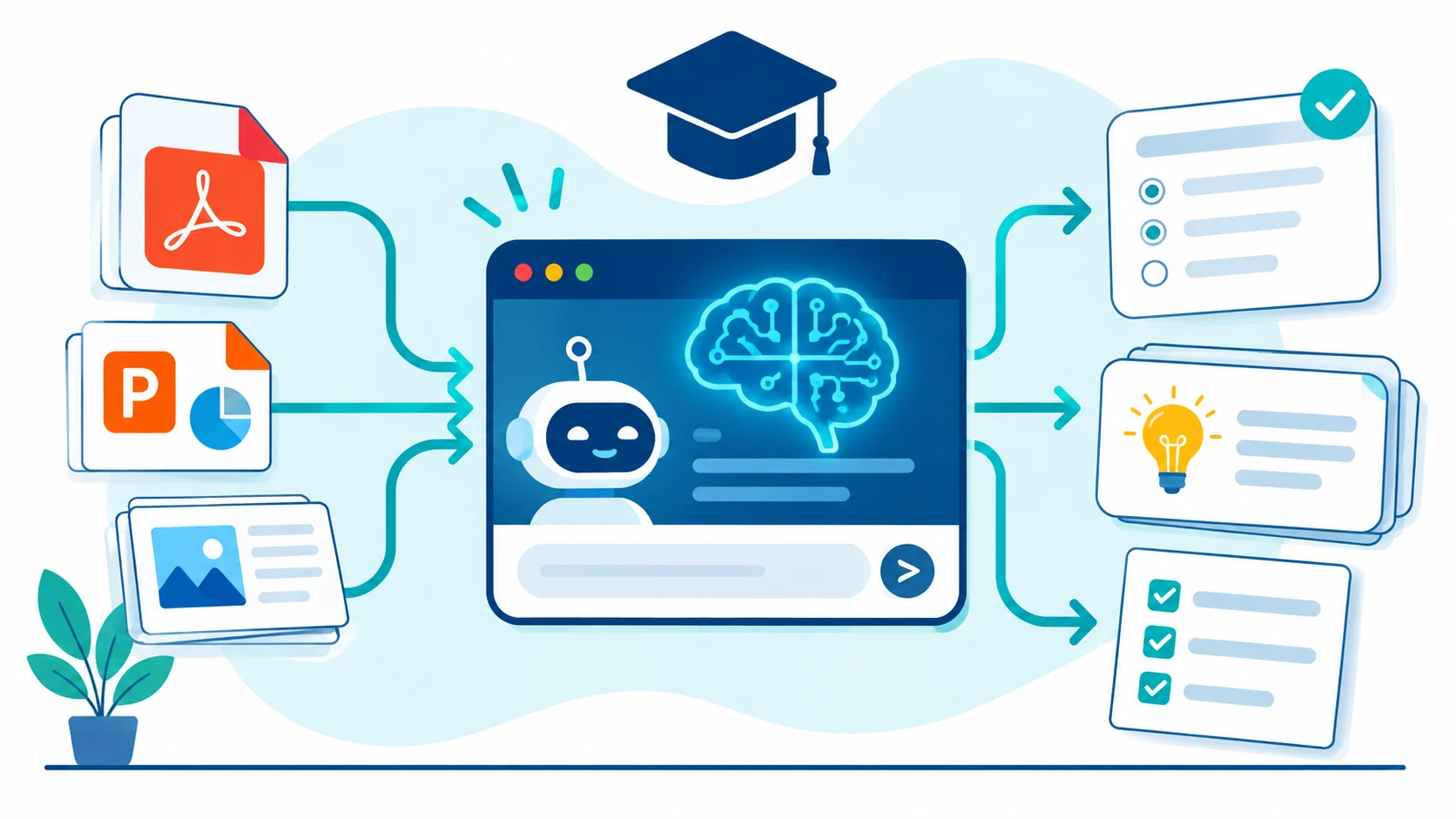
Now let’s walk through a practical workflow. For this example, we will use ChatGPT and a lecture presentation saved as a PDF or PowerPoint file.
Step 1: Prepare Your Lecture Slides
Start by collecting the lecture materials you want to study.
These may include:
- PowerPoint presentations (PPTX).
- PDF lecture slides.
- Class notes saved as DOCX files.
- Text documents containing lecture summaries.
If your slides are scanned images, make sure the text is readable. Poor-quality scans, missing diagrams, and complicated mathematical notation may affect the results.
For better results, work with one lecture or topic at a time instead of uploading an entire semester of unrelated material.
Step 2: Upload Your Lecture File to ChatGPT
Open ChatGPT and start a new conversation. Use the attachment option to upload your lecture PDF or PowerPoint presentation.
Once the file has been uploaded, explain what you want the AI to do. Do not simply write “make questions.” Give it clear instructions about the subject, question types, difficulty, and expected answers.

Step 3: Use a Detailed AI Prompt
This is one of the most important steps. The quality of your questions depends heavily on the instructions you provide.
Copy the following prompt and paste it into your AI assistant after uploading your lecture material.
Copy-and-use prompt:
Act as an experienced university instructor and educational assessment designer.

Analyze the uploaded lecture slides and create a practice quiz based strictly on the information provided.

Follow these instructions:

1. Generate 20 multiple-choice questions.
2. Generate 10 short-answer questions.
3. Generate 5 challenging application-based questions.
4. Cover the most important concepts across the lecture.
5. Include a mixture of easy, medium, and difficult questions.
6. Avoid repetitive questions.
7. Provide four answer options for each multiple-choice question.
8. Do not reveal the correct answers immediately.
9. After all questions, provide a separate answer key with clear explanations.
10. Reference the relevant slide number or section whenever possible.

Important:
- Do not invent facts or introduce unsupported information.
- If the slides do not contain enough information to answer a question, do not create that question.
- Clearly identify any ambiguous or incomplete information.

Format the final result using clear headings and numbered questions.
This prompt gives the AI a clear role and a structured task. It also asks the tool to separate the questions from the answers, allowing you to test yourself without seeing the solutions immediately.
Step 4: Generate Different Types of Practice Questions
Multiple-choice questions are useful, but they should not be the only way you test your knowledge.
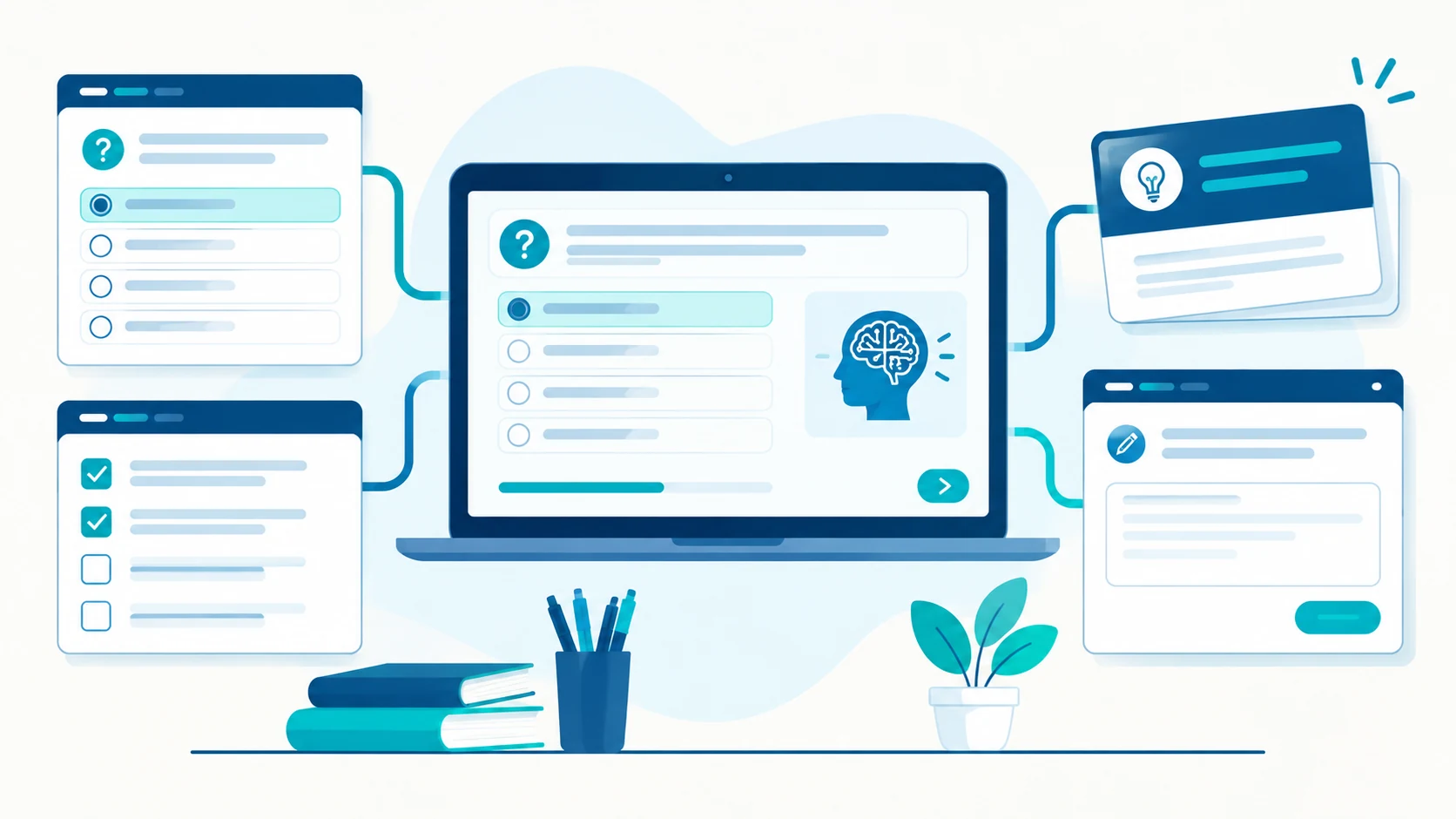
Try generating several question formats:
| Question Type | What It Tests | Example |
|---|---|---|
| Multiple Choice | Recognition and understanding | Which statement best describes the concept? |
| Short Answer | Memory and explanation | Explain the main function of… |
| True or False | Basic conceptual accuracy | The following statement is correct… |
| Application-Based | Practical understanding | How would this concept apply to a real situation? |
| Comparison | Understanding differences | Compare the two theories discussed in the lecture. |
Using different question formats helps you practice more than memorizing definitions. You also get an opportunity to explain, compare, and apply what you have learned.
Step 5: Check the Questions and Correct Answers
Never assume that every AI-generated question or answer is correct.
AI tools can misunderstand technical terminology, overlook information in diagrams, or generate questions that are not fully supported by the original lecture.
Before using the quiz, follow this checklist:
- Compare each question with the original lecture slides.
- Check that the correct answer is actually supported by the material.
- Make sure multiple-choice questions have one clearly correct answer unless otherwise specified.
- Review technical terms, formulas, dates, and numerical values.
- Remove questions that are ambiguous or repetitive.
- Ask the AI to identify the slide or source section supporting each answer.
For university students, this step is particularly important when studying medicine, engineering, law, science, and other subjects where small factual errors can lead to misunderstandings.

Step 6: Export Your Questions and Start Practicing
Once you have reviewed and corrected your quiz, organize the questions into a format that works for your study routine.
You can ask your AI assistant to:
- Format the quiz as a printable document.
- Create a separate answer sheet.
- Organize questions by lecture topic.
- Convert important definitions into flashcards.
- Prepare a second quiz containing only difficult questions.
Try answering the questions without looking at the answer key. After finishing, review your mistakes and revisit the relevant lecture sections.
More Useful AI Prompts for Students
Here are three additional prompts you can use to improve your revision process.
Prompt 1: Turn Lecture Notes into Flashcards
Convert the uploaded lecture material into 25 study flashcards.

Each flashcard must contain:
- One clear question on the front.
- One accurate and concise answer on the back.
- The relevant lecture topic.

Focus on important definitions, concepts, theories, and key facts.

Use only information supported by the uploaded material.
Prompt 2: Create a Difficult Practice Exam
Act as a university examiner.

Create a challenging practice exam based on the uploaded lecture slides.

Include:
- 10 difficult multiple-choice questions.
- 5 analytical questions.
- 5 real-world application questions.

Test conceptual understanding rather than simple memorization.

Provide a separate answer key with explanations and supporting slide references.
Prompt 3: Identify My Weak Topics
I will answer questions based on the uploaded lecture material.

Ask me one question at a time.

After each answer:
1. Evaluate my response.
2. Explain any mistakes.
3. Identify the topic I need to review.
4. Give me a short explanation of the correct concept.
5. Ask the next question.

Do not reveal the correct answer before I respond.
Common Mistakes to Avoid When Using AI for Studying
AI can make exam preparation more convenient, but using it incorrectly can reduce the quality of your learning experience.
1. Uploading Too Much Material at Once
Large collections of unrelated documents can make it harder to organize questions around individual topics. Start with one lecture or chapter and expand gradually.
2. Accepting Every Answer Without Checking
Always compare important information with the original lecture and your professor’s recommended sources.
3. Creating Questions That Are Too Easy
If every question asks you to remember a basic definition, you may not be preparing for the analytical questions in your actual exam. Include application and comparison questions.
4. Reading the Answer Key Before Practicing
Try to answer questions independently first. Looking at the solutions too early can make you feel more confident than your actual understanding justifies.
5. Ignoring Academic Integrity
Use AI as a study assistant, not as a substitute for your own work. Follow your institution’s rules regarding AI use, coursework, and examinations. Avoid uploading confidential student records or restricted academic materials without permission.
Frequently Asked Questions
Can AI generate questions directly from PowerPoint slides?
Yes. Tools that support presentation uploads can analyze the content of supported PowerPoint files and generate questions based on the material. You should still check the questions against the original slides.
Can I turn PDF lecture notes into flashcards using AI?
Yes. Upload a supported PDF and ask an AI assistant to extract important definitions, concepts, and explanations into question-and-answer flashcards.
What is the best AI tool for creating practice questions from lecture slides?
ChatGPT is a flexible option for customized quizzes and question formats. NotebookLM is another option for working with multiple source documents. The best choice depends on your workflow and the features available in your account.
Are AI-generated practice questions always accurate?
No. AI can misunderstand information or produce unsupported answers. Review the generated questions, answers, and explanations using your original lecture materials.
Can teachers use AI to create classroom quizzes?
Yes. Teachers can use AI to draft quizzes, create different difficulty levels, and prepare revision exercises. However, teachers should review all questions before giving them to students.
Can AI create exam questions from lecture slides for free?
Some AI tools offer free access or limited free usage. However, upload limits, available features, and usage restrictions can vary. Check the current plan details before choosing a tool.
Final Thoughts
Turning lecture slides into practice questions using AI can make studying more organized and interactive. Instead of repeatedly reading the same presentation, you can create quizzes, flashcards, and application-based questions that help you test your understanding.
Start with one lecture, upload your material, use a detailed prompt, and carefully review the generated questions. Then practice answering them without looking at the solutions.
Remember that AI works best as a learning assistant. Your own understanding, critical thinking, and ability to apply knowledge remain the most important parts of successful exam preparation.
At AI Best Learning, our goal is to help students and educators discover practical ways to use artificial intelligence for better learning and teaching.