Artificial intelligence has quickly become one of the most important technologies shaping the way people work, learn, communicate, and create. However, many people still believe that benefiting from AI requires programming skills or a deep understanding of technology.

Today, anyone can use artificial intelligence without knowing how to write code. Modern AI tools are designed with simple interfaces that allow users to describe what they need using ordinary language. Whether you want to write content, create images, analyze information, organize your work, or learn something new, AI can help you accomplish these tasks with little or no technical experience.
This makes AI particularly valuable for students, employees, entrepreneurs, content creators, and small business owners who want to improve their productivity without becoming programmers.
You Do Not Need to Be a Programmer to Use AI
Traditional software development requires knowledge of programming languages, databases, algorithms, and technical systems. AI applications have changed this relationship by allowing users to communicate with technology through natural language.
Instead of writing a program to perform a specific task, you can simply describe the desired result.
For example, you could tell an AI assistant:
“Create a professional email asking a customer for additional information.”
The AI can generate a draft without requiring you to understand programming logic.
The same approach can be used for dozens of everyday activities. You provide the instructions, context, and desired result, while the AI handles much of the technical work behind the scenes.
1. Create Professional Content
One of the easiest ways to benefit from AI is by using it as a writing assistant.
You can use AI to create first drafts of articles, emails, social media posts, product descriptions, reports, presentations, and other forms of written content.
For example, a small business owner who needs a promotional post does not necessarily need to hire a professional copywriter for every short message. An AI assistant can generate several ideas that the owner can review and modify.
AI can also help improve existing writing by:
- Correcting grammar and spelling.
- Rewriting sentences.
- Making text more professional.
- Simplifying complicated explanations.
- Creating headlines.
- Summarizing long content.
- Changing the tone of a message.
The important point is that AI does not have to produce the final version without human involvement. You can treat it as an assistant that helps you move from an idea to a finished piece of content more quickly.
2. Create Images Without Learning Graphic Design
Artificial intelligence has also made image creation more accessible.
In the past, creating a professional-looking graphic often required knowledge of Photoshop, Illustrator, or other design software. Today, many AI image tools can generate visual concepts from written descriptions.
For example, you could describe a technology-themed image for a website and specify the desired style, composition, colors, and dimensions.
The AI can then generate a visual based on those instructions.
This can be useful for:
- Social media graphics.
- Blog illustrations.
- Marketing concepts.
- Presentation visuals.
- Background images.
- Creative projects.
- Website content.
You do not need to understand how the underlying image-generation model works. What matters most is being able to describe your idea clearly.
3. Analyze Information and Documents
AI can also help people understand large amounts of information without requiring programming or data-analysis skills.
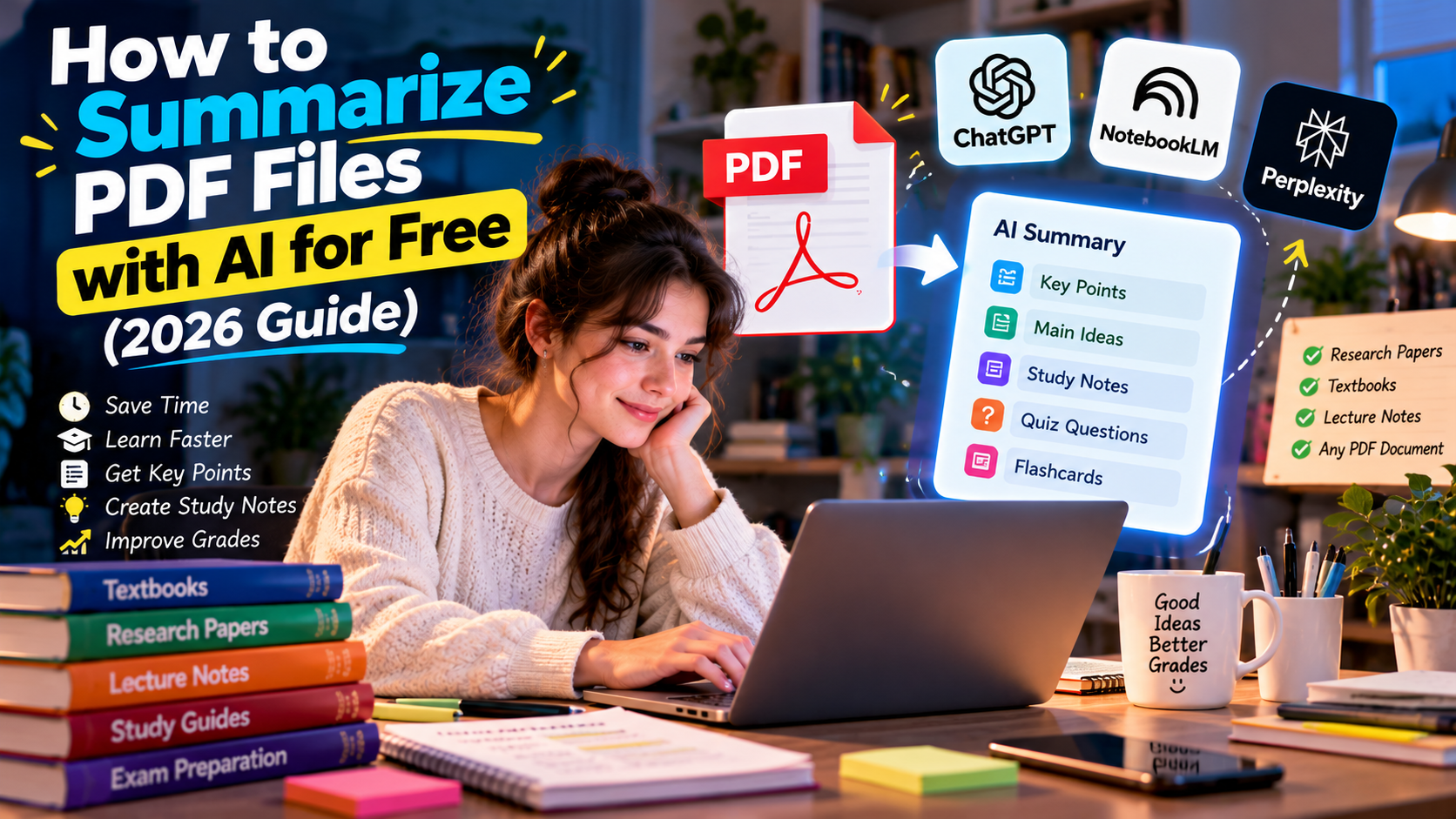
For example, you may have a lengthy report containing hundreds of pages. Instead of manually searching through every section, an AI tool may help summarize the document, identify important points, or answer questions about its contents.
This can be particularly useful for employees and students.
You can ask an AI assistant to organize information into categories, identify repeated topics, explain unfamiliar terms, or extract specific details.
Businesses can also use AI to analyze customer feedback, organize survey responses, and identify common themes.
However, important information should always be verified against the original document. AI can misunderstand context or produce inaccurate conclusions, especially when the source material is complicated.
4. Automate Repetitive Tasks
One of the biggest benefits of AI is its ability to reduce the amount of time spent on repetitive work.
You do not necessarily need programming skills to automate many common activities. Modern applications increasingly include built-in AI features that can organize information, generate responses, summarize messages, classify content, and perform other routine tasks.
For example, an employee might use AI to turn meeting notes into a list of tasks.
A business owner could use AI to draft responses to frequently asked customer questions.
A content creator could use AI to generate multiple headline ideas from a single topic.
These small improvements can save considerable time when repeated every day.
5. Learn New Skills With a Personal AI Tutor
Learning is another area where AI can provide significant benefits.
You can use an AI assistant as an interactive tutor that explains subjects according to your current level.
If you are a beginner, you can ask for a simple explanation. If the first explanation is not clear, you can request another example or ask the AI to explain the concept differently.
For example, someone learning digital marketing could ask an AI assistant to explain search engine optimization using simple examples.
A person learning English could practice conversations, ask for grammar corrections, or request vocabulary exercises.
AI can also create personalized quizzes, study plans, and practice questions.
This does not replace teachers, professional courses, or reliable educational resources, but it can provide an additional learning tool that is available whenever you need it.
6. Improve Your Business Without Building Software
Small businesses can benefit from AI even if the owner has no programming background.
AI can help with marketing ideas, customer communication, product descriptions, business planning, research, content creation, and administrative tasks.
For example, an online store owner could use AI to create product descriptions, organize frequently asked questions, develop social media ideas, and prepare promotional campaigns.
A freelancer could use AI to improve proposals and organize project information.
A local business could use AI to create content ideas for its website and social media pages.
The key is to identify repetitive or time-consuming activities and determine whether AI can assist with them.
7. Create Better Presentations
Preparing a professional presentation can take hours, especially when you need to organize information and decide how to structure each slide.
AI-powered presentation tools can help transform a simple idea or text outline into a structured presentation.
You can provide the topic, audience, purpose, and approximate length, then ask the tool to suggest a logical structure.
AI can help create:
- Presentation outlines.
- Slide titles.
- Speaker notes.
- Short summaries.
- Visual ideas.
- Questions for the audience.
You can then edit the result and adapt it to your specific needs.
This is particularly useful for students, teachers, employees, and business owners who regularly prepare presentations.
8. Use AI for Everyday Problem Solving
You can also use AI for simple problems that appear throughout the day.
For example, you might ask AI to help organize a travel checklist, plan a weekly schedule, compare different options, prepare questions for a meeting, or explain a complicated technical setting.
The possibilities are broad because AI is not limited to one specific profession.
Instead of thinking, “What AI tool should I use?” start by asking, “What task is taking too much of my time?”
Then consider whether AI can help you complete part of that task.
This approach is often more useful than trying to learn every new AI application that becomes available.
How to Get Better Results Without Technical Knowledge
You do not need programming skills, but you do need to learn how to communicate your requirements clearly.
A good AI instruction should explain what you want and provide enough context for the system to understand the task.
Instead of saying:
“Write an article.”
You could say:
“Write a 1,000-word English article for beginners explaining how artificial intelligence can improve everyday productivity. Use clear headings, practical examples, and a professional but accessible tone.”
The second instruction provides much more context, making it easier for the AI to produce a useful result.
You can improve your instructions by specifying:
- The goal.
- The target audience.
- The desired language.
- The tone.
- The length.
- The format.
- Important limitations.
- Examples of what you want.
You can also ask the AI to improve its own previous answer. This allows you to gradually refine the result instead of trying to create the perfect instruction on your first attempt.
Should You Learn Programming Anyway?
You do not need programming knowledge to benefit from AI, but learning some basic technology concepts can still be valuable.
Programming becomes especially useful if you want to build your own AI applications, connect different systems, create advanced automations, or work professionally in software development.
However, these are different goals from simply using AI to improve productivity.
For most everyday users, learning how to choose the right AI tool, write clear instructions, verify information, and protect personal data can be more immediately useful than learning a programming language.
Important Things to Remember When Using AI
Although AI can make many tasks easier, it should not be treated as an infallible source of information.
AI systems can make mistakes, misunderstand instructions, or generate information that appears convincing but is incorrect.
For this reason, you should verify important facts before publishing or relying on them, particularly when dealing with financial, legal, medical, or professional decisions.
It is also important to avoid sharing sensitive personal or confidential business information unless you understand how the AI service handles your data.
The best results usually come from combining AI capabilities with human judgment.
You do not need to become a programmer to take advantage of artificial intelligence.
AI can already help ordinary users write content, create images, analyze documents, learn new skills, automate repetitive activities, prepare presentations, and solve everyday problems.
The most important skill is not knowing how AI works internally. It is knowing how to identify useful opportunities and communicate your needs clearly.
Start with one task that regularly consumes your time. Find an AI tool that can assist with it, test different instructions, review the results, and gradually build AI into your daily workflow.
Used responsibly, artificial intelligence can become a practical digital assistant that helps you work faster, learn more effectively, and spend less time on repetitive tasks — without requiring you to write a single line of code.