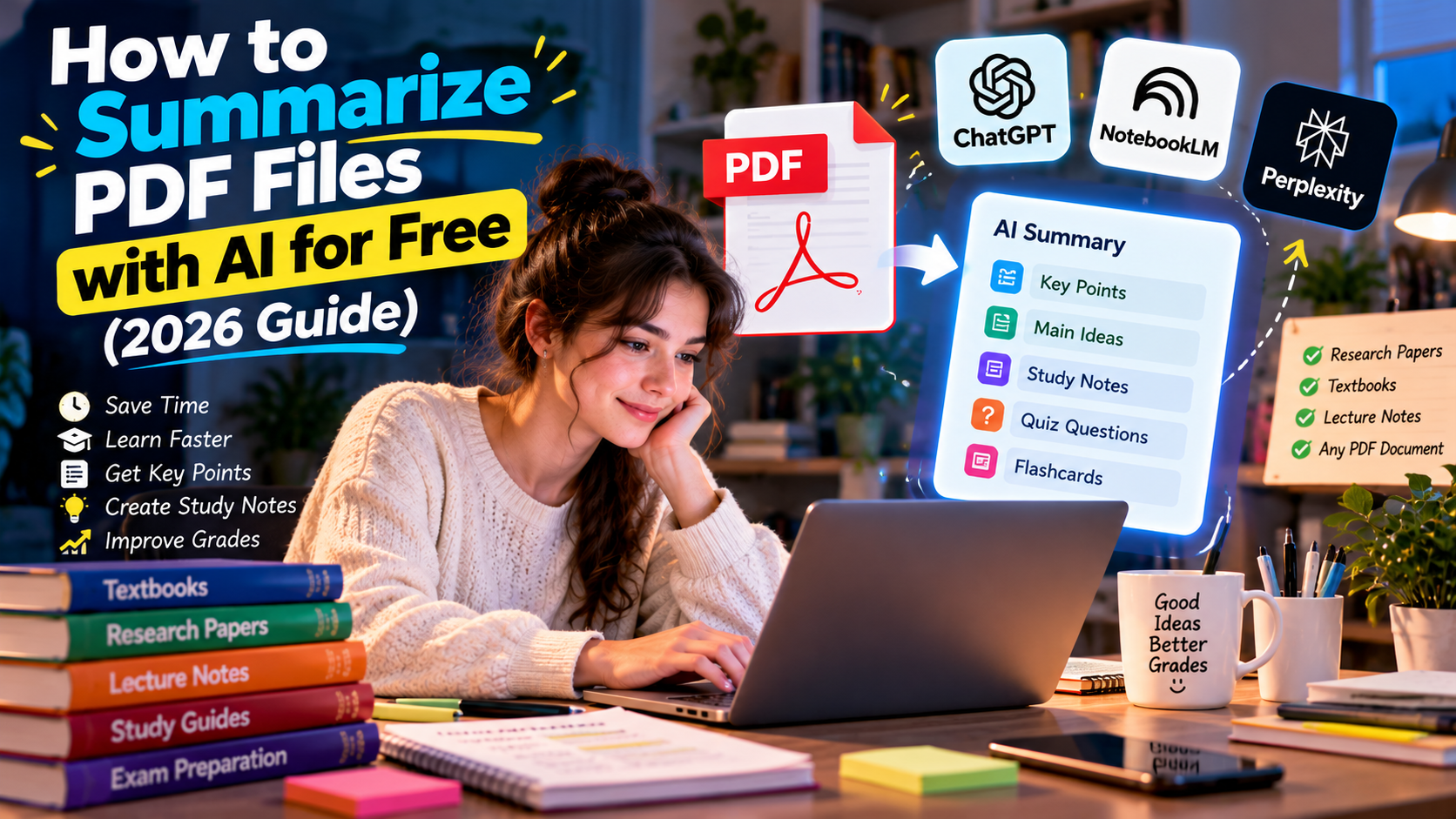
How to Summarize PDF Files with AI for Free (2026 Guide
Reading 100-page textbooks, research papers, and lecture notes can consume hours. Fortunately, modern AI tools can summarize PDF files in minutes while preserving the most important ideas.
In this guide you’ll learn the best free methods, compare the top AI tools, and discover how students can create study notes without paying.
Why Use AI to Summarize PDFs?
- Save hours of reading
- Extract key points instantly
- Create revision notes
- Generate FAQs from documents
- Improve exam preparation
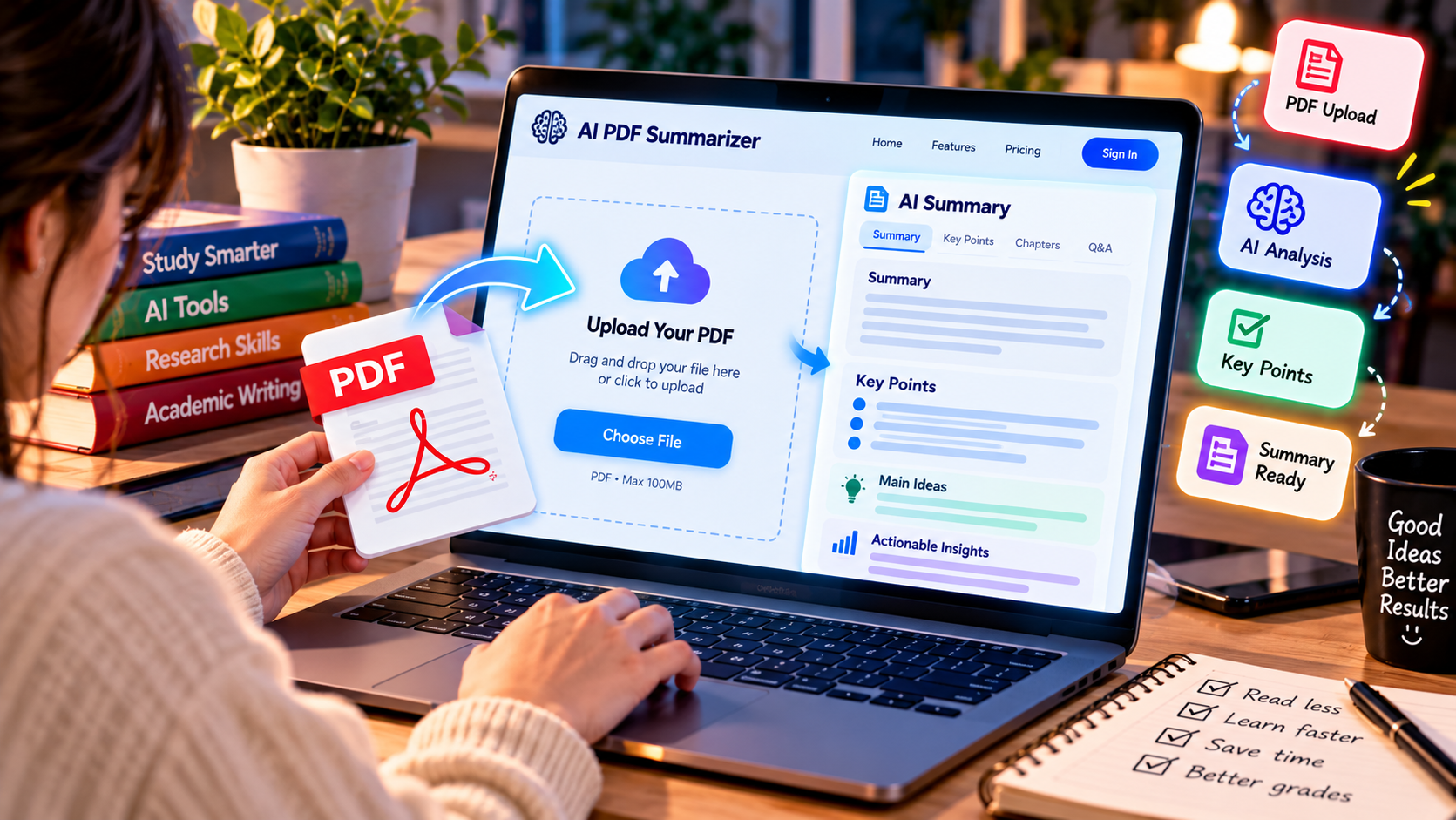
Best Free AI Tools for PDF Summaries
| Tool | Best Feature | Free |
|---|---|---|
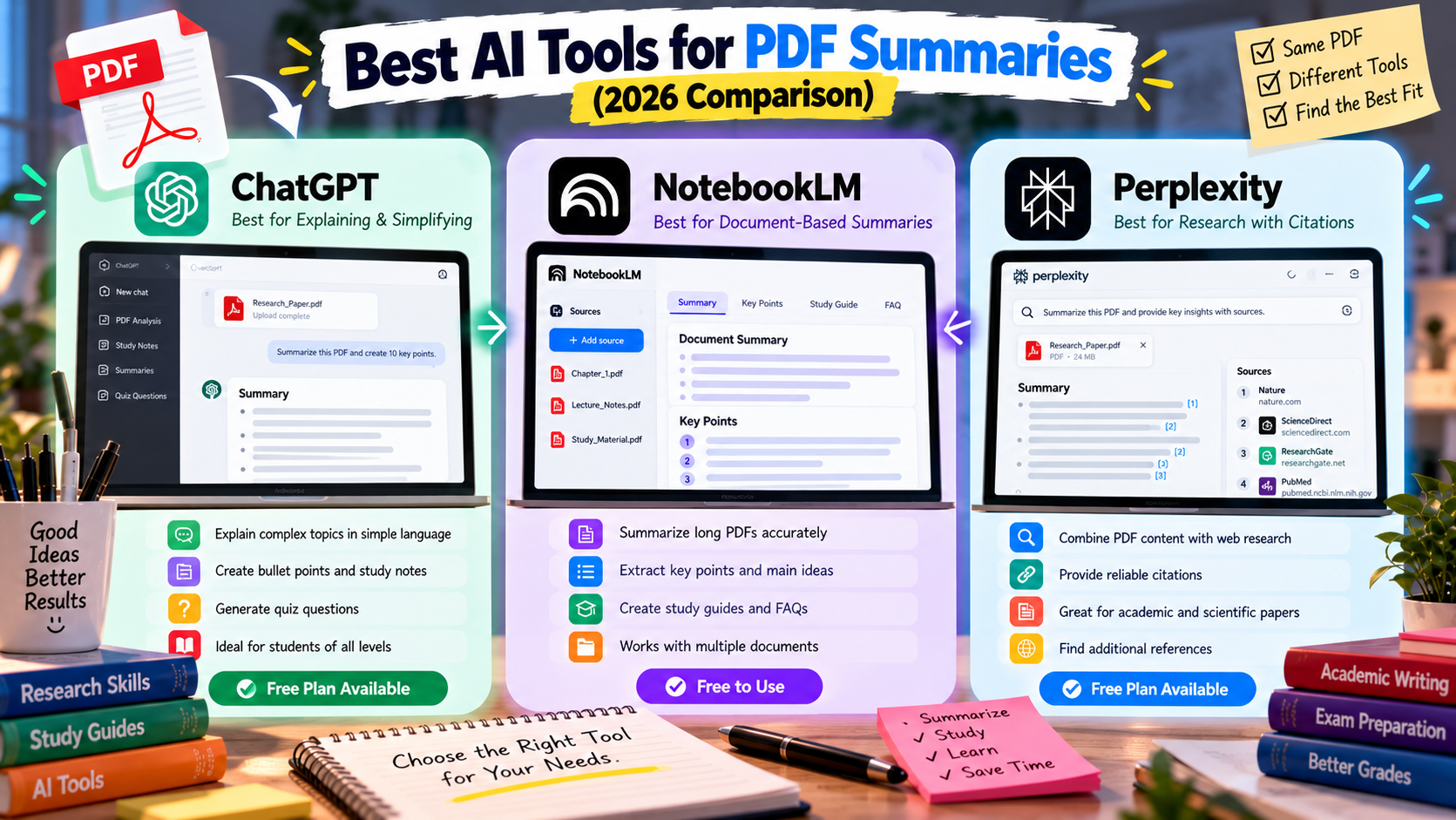
| NotebookLM | Document-based summaries | Yes |
| ChatGPT | Explain difficult sections | Yes |
| Perplexity | Research with citations | Yes |
Method 1: NotebookLM
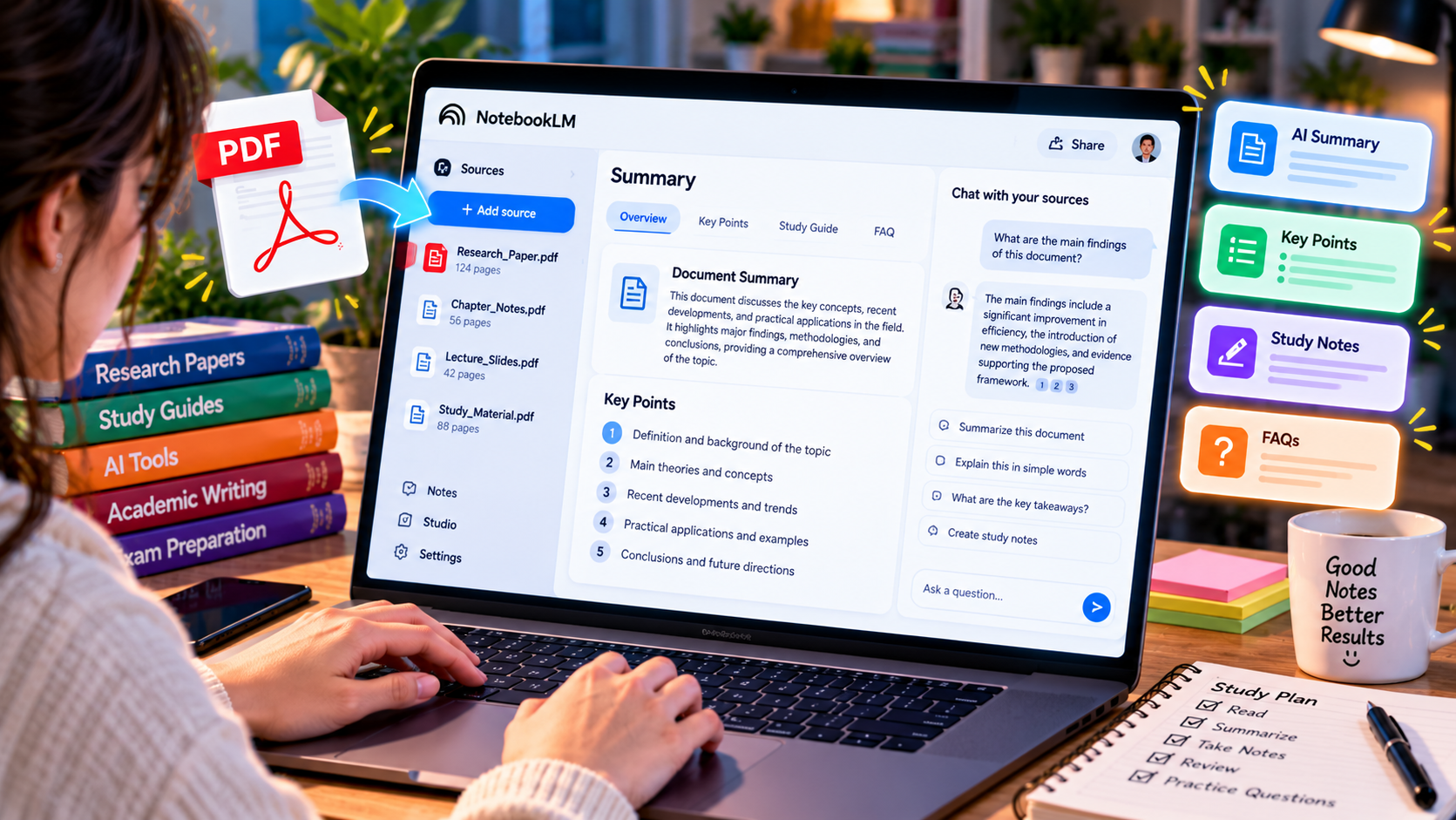
Upload your PDF and let NotebookLM analyze the document. It identifies the main ideas, important concepts, and frequently discussed topics.
Steps
- Open NotebookLM
- Upload your PDF
- Wait for processing
- Click Summary
- Ask questions about the document
Method 2: ChatGPT
ChatGPT works well for explaining specific pages, simplifying technical language, and turning academic text into beginner-friendly notes.
Example prompt:
Summarize this PDF into 10 bullet points and create five quiz questions.
Method 3: Perplexity AI
Perplexity is an excellent choice when your PDF contains scientific or academic information. Unlike many AI assistants, it can combine your document with reliable web sources and provide cited explanations.
Best for
- Research papers
- University assignments
- Finding supporting references
- Understanding complex topics
Tips for Better AI Summaries
| Goal | Prompt Example |
|---|---|
| Quick Summary | Summarize this PDF in 150 words. |
| Study Notes | Create organized notes with headings. |
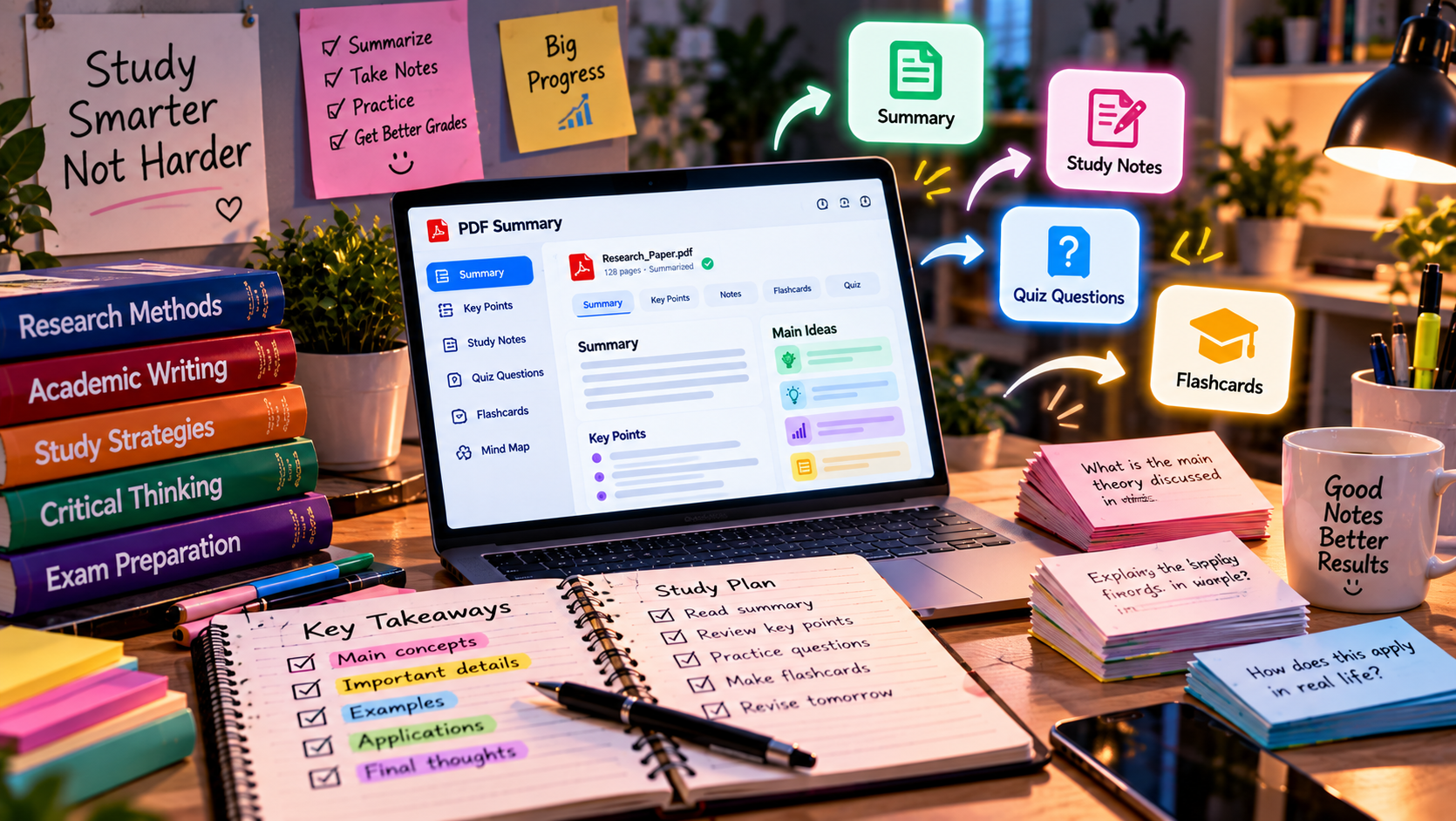
| Exam Revision | Generate 20 quiz questions from this PDF. |
| Flashcards | Create flashcards with questions and answers. |
Common Mistakes to Avoid
- Don’t rely on AI without checking important facts.
- Avoid copying summaries directly into assignments.
- Use AI as a learning assistant, not a replacement for reading.
Frequently Asked Questions
Can AI summarize a 300-page PDF?
Yes. NotebookLM and similar tools can process large documents and generate structured summaries.
Is it free to summarize PDFs?
Yes. Several AI platforms provide free plans that are sufficient for most students.
Which AI is the most accurate?
NotebookLM is excellent for document-based summaries, while ChatGPT is better for explaining difficult sections in simple language.
Final Thoughts
AI has transformed the way students read and understand long documents. By combining NotebookLM, ChatGPT, and Perplexity, you can summarize PDFs, create study guides, generate quizzes, and save valuable study time without spending money.